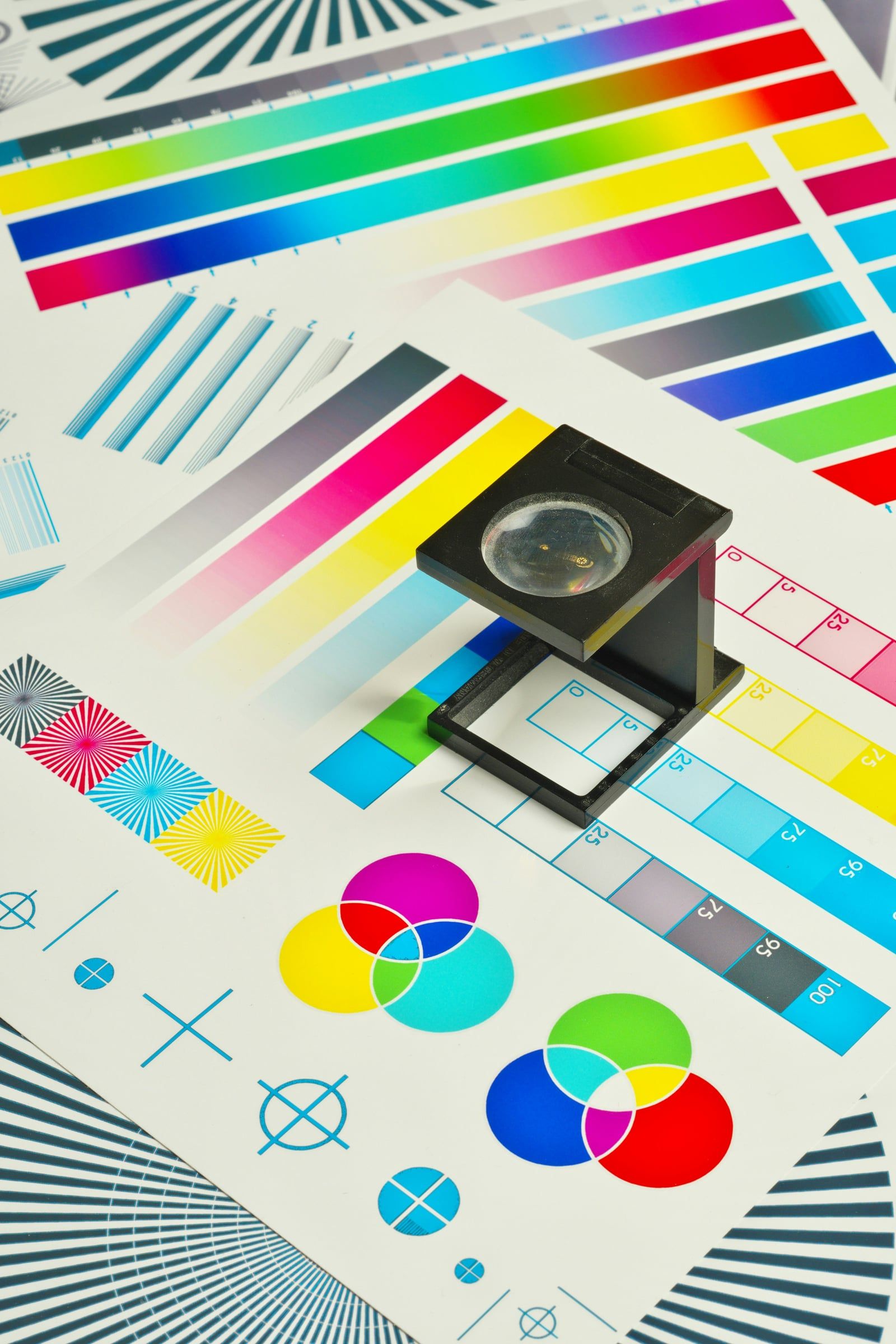
There’s nothing worse than opening a box of freshly printed brochures to find blurry photos, a thin white line along one edge, or a brand colour that looks nothing like it did on screen. Most print problems come down to how the artwork was prepared. Here’s a checklist of the essentials.
1. Add bleed
Printers print onto oversized sheets and trim them down. Because trimming can never be perfectly precise, any colour or image that runs to the edge needs to extend beyond the trim line. This extra area is called bleed, and it’s typically 3mm on each side in the UK. Without it, you risk thin white slivers along the edges.
2. Keep important content inside the safe area
The opposite applies to text and logos. Keep them at least 3–5mm inside the trim edge (more for thicker documents) so nothing important is cut off or sits uncomfortably close to the edge.
3. Use high-resolution images
Images for print should be 300dpi at the size they’ll be printed. A photo that looks crisp on your website (often 72dpi) can appear soft or pixelated on paper. Enlarging a small image in your design software doesn’t add detail, it just makes the pixels bigger. Logos and illustrations should ideally be vector files (AI, EPS, SVG or PDF), which scale to any size without losing quality.
4. Set up colours in CMYK
Screens display colour using light (RGB); printers use ink (CMYK: cyan, magenta, yellow and black). Some bright RGB colours simply can’t be reproduced in ink, so artwork left in RGB may print duller than expected. Converting to CMYK, ideally using your printer’s preferred colour profile, gives you a realistic preview. For exact brand colours, Pantone spot colours may be specified.
Two extra colour tips:
- Rich black: large areas of black often look better built from a mix of inks rather than 100% black alone. Ask your printer for their recommended mix.
- Small black text should be 100% black only, so it stays sharp.
5. Embed or outline your fonts
If the printer doesn’t have your fonts, their system will substitute something else. Embedding fonts in a PDF, or converting text to outlines where appropriate, prevents this.
6. Supply a print-ready PDF
Most printers prefer a high-resolution PDF, often to the PDF/X standard, with bleed and crop marks included. Check your printer’s specification sheet, as requirements vary.
7. Proofread before you send
Once 5,000 leaflets are printed, a typo in a phone number is an expensive mistake. Read everything carefully, ideally with a fresh pair of eyes, and check every number, date, web address and email. Order a hard proof for high-value jobs or colour-critical work.
Let us handle it
Preparing artwork correctly takes experience and the right software. We set up every file to the printer’s exact specification and can manage the whole print process for you, from paper choice and proofs to delivery to your door. If you already have artwork that needs checking or fixing, we can help with that too.
Have a print project coming up? Get in touch and let us make sure it’s right first time.
Four extra posts tied to what’s happening in design and UK business right now. Facts were checked on 22 October 2026; sources are listed at the end. The AI and accessibility posts touch on legal matters, so they point readers to professional advice rather than giving it.